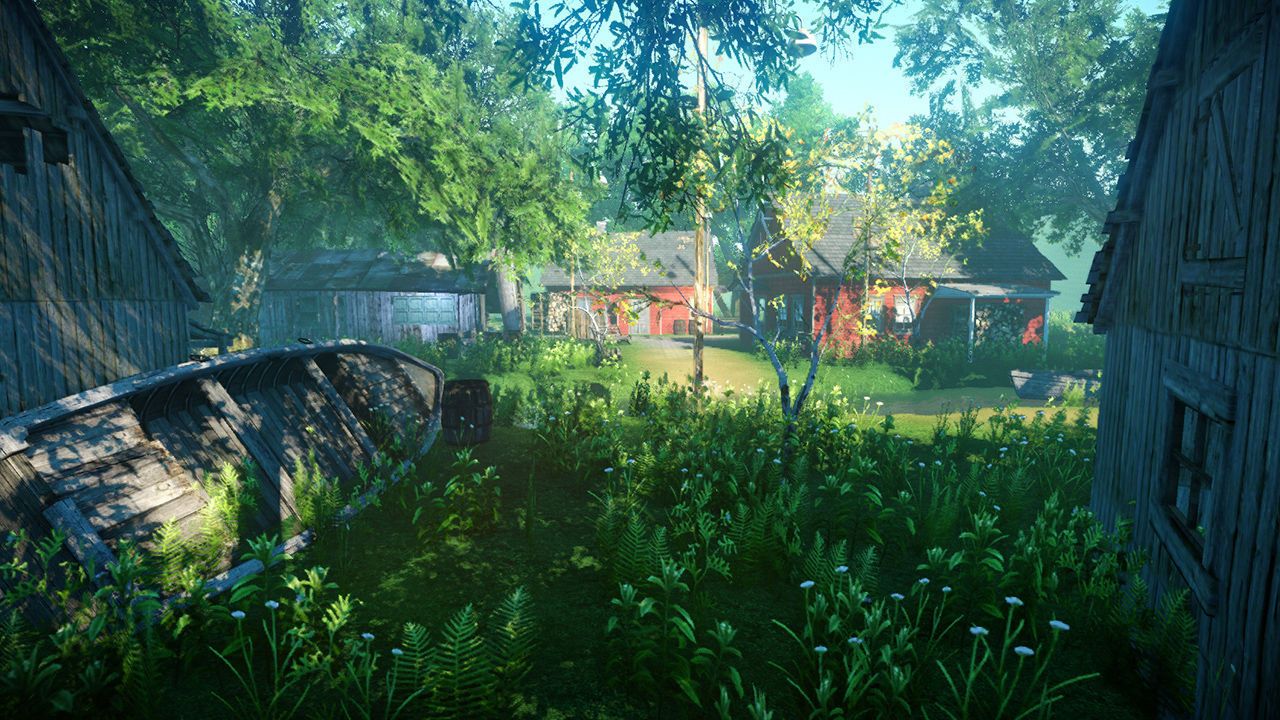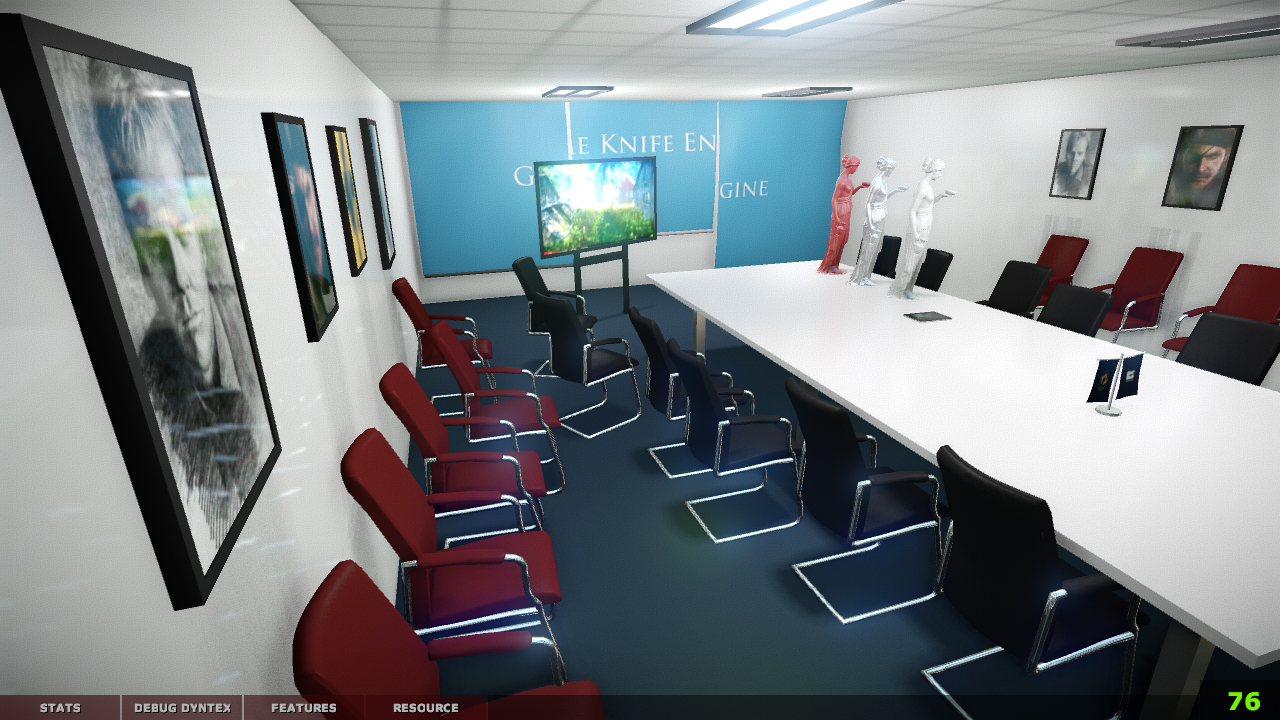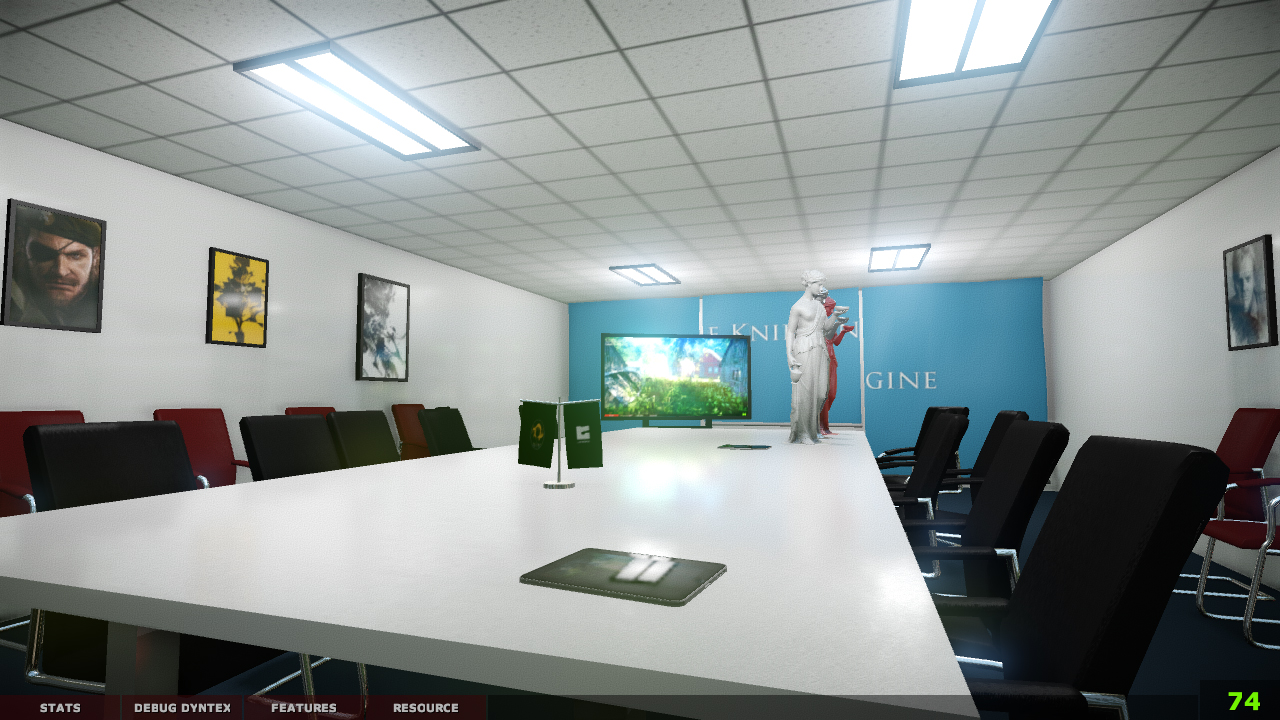
| OSX | WIN |
|---|---|
 |
部署,编译等问题请先在wiki和issue | question中查阅。
欢迎加入gkENGINE贡献者交流QQ群: 289525937
Prerequisites: Git, CMake, and Visual Studio with the Desktop C++ workload on Windows. The Windows setup script initializes the required submodules automatically.
Windows:
.\auto_make_env.bat
.\auto_cmake.bat
.\auto_buildrun.bat
auto_make_env.bat deploys the matching 32-bit runtime next to the legacy texconv.exe, extracts the base media and the optional conf_room pack, and generates converted resources. auto_cmake.bat generates the x64 Visual Studio build in build-win64. auto_buildrun.bat builds RelWithDebInfo and launches exec\bin64\gkLauncher.exe.
The default launcher configuration uses TestCases and starts TestCase_InDoorRendering, which loads level/conf_room/conf_room.gks. Press Esc to return to the TestCases menu. The generated executable and DLLs are under exec\bin64; do not launch the stale intermediate copy under build-win64\RelWithDebInfo.
exec\tools\gks2glb.py exports a gkENGINE scene to a self-contained binary glTF file without starting the renderer. The exporter preserves the gks node hierarchy and transforms, automatically loads a same-name .cam file, exports each camera record as a glTF camera node, converts the engine's Z-up coordinates to glTF Y-up, embeds TGA textures as PNG, and writes point lights through KHR_lights_punctual.
python exec\tools\gks2glb.py exec\media\level\conf_room\conf_room.gks build-win64\conf_room.glbOn Windows the equivalent wrapper is exec\tools\gks2glb.bat. The media root is inferred from the scene path; use --media-root exec\media when exporting a scene from another location. Use --camera-file path\to\custom.cam to override the same-name camera file. The current exporter supports the OBJ meshes and XML .mtl files used by the sample level.
For manual setup, initialize the submodules first:
git submodule update --init --recursivemacOS/iOS setup remains available through auto_make_env.sh and auto_cmake.sh.
- 你需要安装nodejs环境, 并已经构建runtime环境
- 进入引擎的editor目录, 运行npm install 或 cnpm install, 下载nodejs所需环境
- 运行npm run nconfig, 部署node-gyp,准备构建node api库
- 运行npm run nbuild, 构建node api库
- 运行npm start, 启动编辑器
- 延迟光照 & 延迟着色管线
- 准·基于物理的着色技术
- shader条件编译系统
- 现代后处理技术:HDR, SSAO, DOF, GODRAY, COLORGRADING
- 多线程渲染:渲染提交在单独线程,与其他事务并行
- 多渲染API:支持DX9,GL3,GLES2渲染api并灵活切换
- 多LOD层级地形系统
- TIME OF DAY:全天候环境参数插值
- 内建的实时gpu profiler.
- 跨平台开发:底层基础库通过部分操作系统特例化,实现完全的平台无关开发
- 多种操作系统支持: windows, macosx, ios, android
- TASK和TASK分发系统:可将任何独立事务包装为TASK供分发器进行多线程执行
- PAK文件系统:将文件进行lzma压缩打包,pak系统提供接管文件系统,做到无缝切换
- gameobject系统:将对象抽象为gameobject,组合gameobjectlayer实现灵活的功能组装和扩展
- 强大的profiler,提供对场景渲染量级,帧/步骤耗时,内存占用的精确统计和展示
- 物理模块通过接口抽象,已剥离第三方组件。暂未自主开发实现
- 骨骼动画模块通过接口抽象,已剥离第三方组件,后续提供自写实现
- 内建trackbus动画模块,用于驱动各类gameobject,实现cutscene等功能
- gmf模型格式:对obj进行二进制优化,拥有绝佳的加载速度及与obj文件互转的能力
- gkMaxPort:插件与脚本结合的3dsmax工具包,可快速整理模型,处理纹理及材质,导出到引擎,直接测试
- 资源编译器:针对多种运行平台,对纹理,材质,模型文件进行特定生成和处理
- 各类辅助的事务处理脚本:方便进行打包,垃圾清理,设备部署,跨平台调试等工作
- 已废弃原有MFC实现编辑器,开始使用electron框架研究编辑器实现